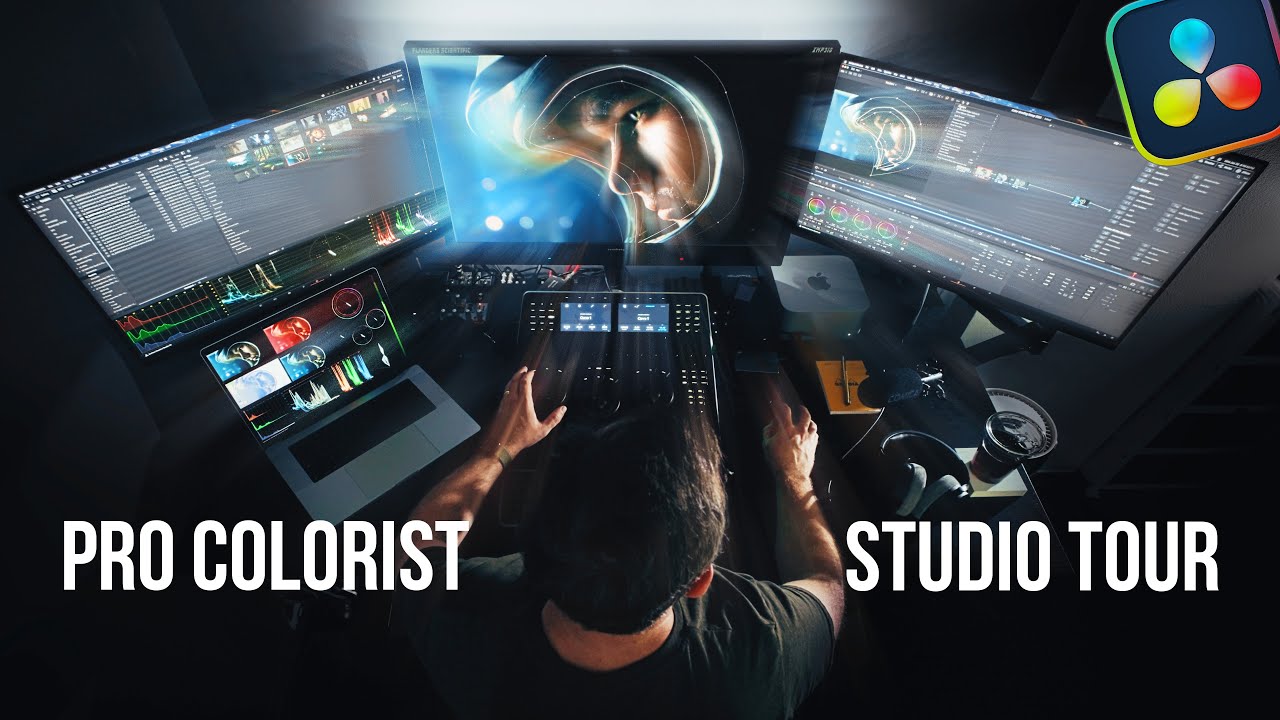
You approve the rough cut. The story works, the pacing feels right. But the footage still looks flat and gray, and the skin tones drift from warm to greenish between shots. That gap between “technically finished” and “looks like a film” is color grading, and it usually shows up as its own line item with its own price. Color grading cost in 2026 runs anywhere from about $150 for a short social clip to $5,000 or more for a broadcast commercial. The spread comes down to footage format, shot count, delivery specs, and who is actually doing the work.
This guide is for two people. First, the buyer staring at a quote and wondering why “grade” costs extra. Second, the videographer trying to price the look without underselling the hours or scaring off the client.
Color correction and color grading are not the same job
Two different tasks get bundled under one word, and the confusion is where a lot of pricing arguments start. Color correction is the technical pass. It balances exposure, fixes white balance, and matches shot to shot. Done right, a cut from a wide lens to a close-up never jumps in brightness or tint. Correction is repair work. It makes the footage look correct. Say a corporate interview’s wide shot reads slightly cooler than the close-up. Correction nudges them together until the cut is invisible.
Color grading is the creative pass on top of that. Think of the warm, golden skin in a wedding film. Or the cool, desaturated feel of a corporate case study, and the punchy teal-and-orange of a car spot. Grading gives the piece a mood and a signature.
Most editors fold basic correction into the edit fee, because you cannot deliver watchable video without it. The look, the deliberate grade, is where the extra money lives. When a videographer quotes “color included,” ask which one they mean. “We balance and match every shot” is correction. “We build a custom look and grade to it” is grading, and it takes real hours.
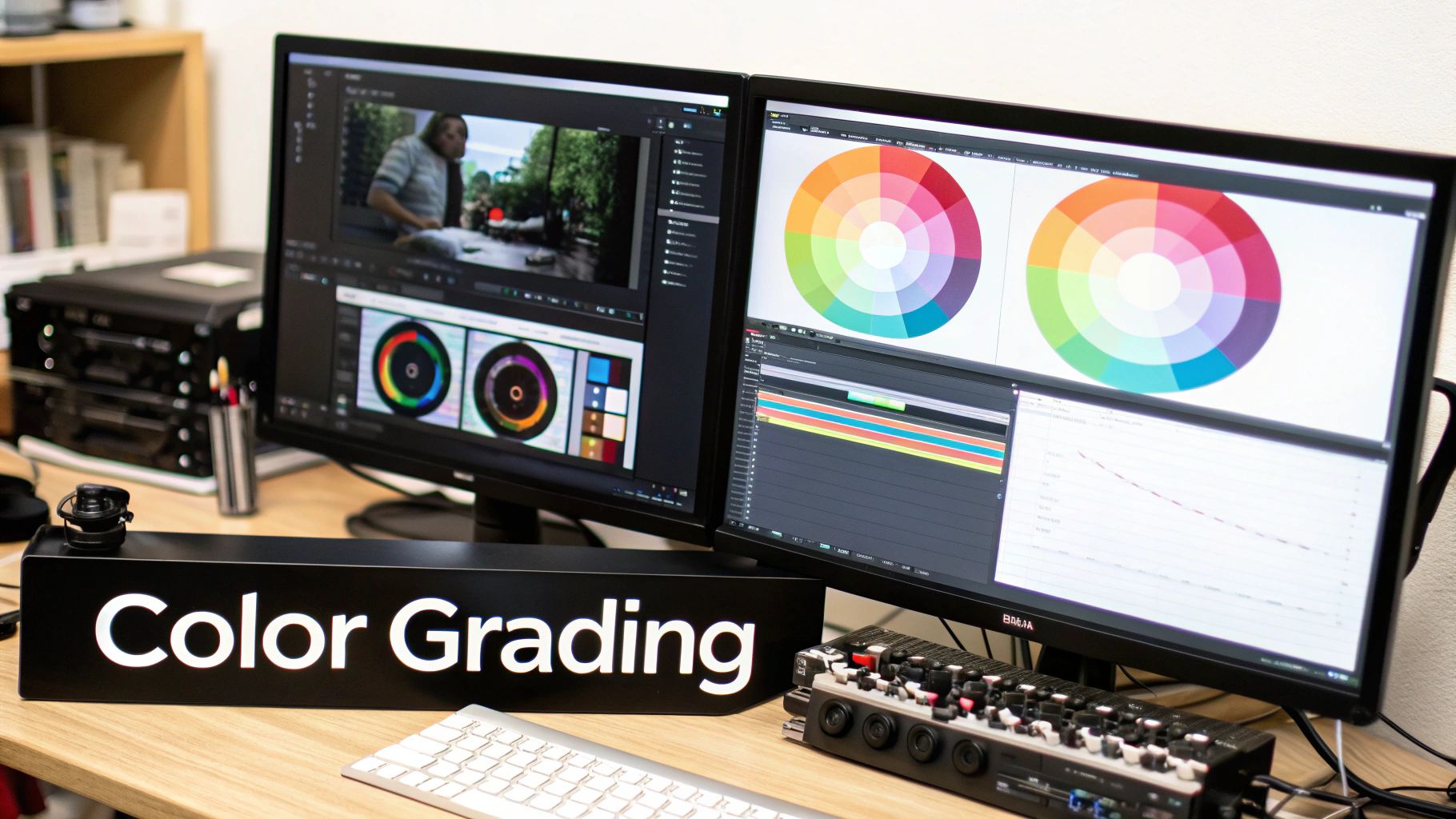
How much does color grading cost in 2026?
Color grading cost is quoted three common ways: per project, per finished minute, or as a colorist day rate. A freelance colorist in the United States charges roughly $400 to $1,200 per day in 2026. By the hour, that is $75 to $250, depending on experience and market. High-end commercial colorists in Los Angeles or New York bill well above that. A recognized name with a proper grading suite can command $1,500 a day or more.
By project type, here is what the ranges actually look like:
- Short social clip, 15 to 60 seconds: $150 to $400
- Wedding highlight film, 4 to 7 minutes: $250 to $700
- Corporate or brand piece, 2 to 3 minutes: $350 to $1,000
- Music video, 3 to 4 minutes: $500 to $2,500
- National or broadcast commercial, 30 to 60 seconds: $1,500 to $5,000+
A single finished minute of straightforward corporate footage might grade for $150 to $300. A minute of a music video is different. Heavy stylization, sky replacements, and beauty work on faces can run five times that. Per-minute pricing sounds tidy, but it is the weakest of the three. The minute count matters less than how many distinct setups and lighting conditions are inside it.
Here is a real-world example. A three-camera corporate testimonial, shot flat on Sony FX6 bodies in S-Log3, came to me at roughly six finished minutes. The grade took about a day. That covered one base look and skin-tone cleanup on four speakers. It also fixed a window that blew out on one camera. That job billed at $850, right in the middle of the corporate band.
What actually drives the price up or down
A few variables move color grading cost more than the rest. The biggest single factor is whether the footage was shot in a log profile or in a baked-in look. Log footage holds far more color information and gives the colorist room to work. Common flavors are S-Log3, V-Log, Canon Log, and RAW. The catch: it arrives flat and gray, so every shot needs a full grade from scratch. Footage shot in a standard Rec709 profile already looks close to final, so it needs less work. The trade-off is that it gives you far less to push before it falls apart.
Shot count and lighting variety come next. A talking-head interview lit the same way for the whole session is fast, because one grade copies across every clip. A wedding is the opposite. It moves from a dim getting-ready room, to bright noon ceremony light, to a dark LED-lit reception. Each environment is a separate matching problem.
Other cost drivers stack on top of that:
- Mixed cameras that do not match out of the box
- Heavy skin-tone or beauty work
- HDR or broadcast delivery specs
- Tight turnaround and multiple revision rounds
A rushed overnight grade often carries the same premium you see on any expedited delivery request. This is where cheap quotes hide expensive surprises. A same-day rush can add 25 to 50 percent to the base grade. Someone has to reshuffle their whole schedule to hit it.
Grading cost by project type
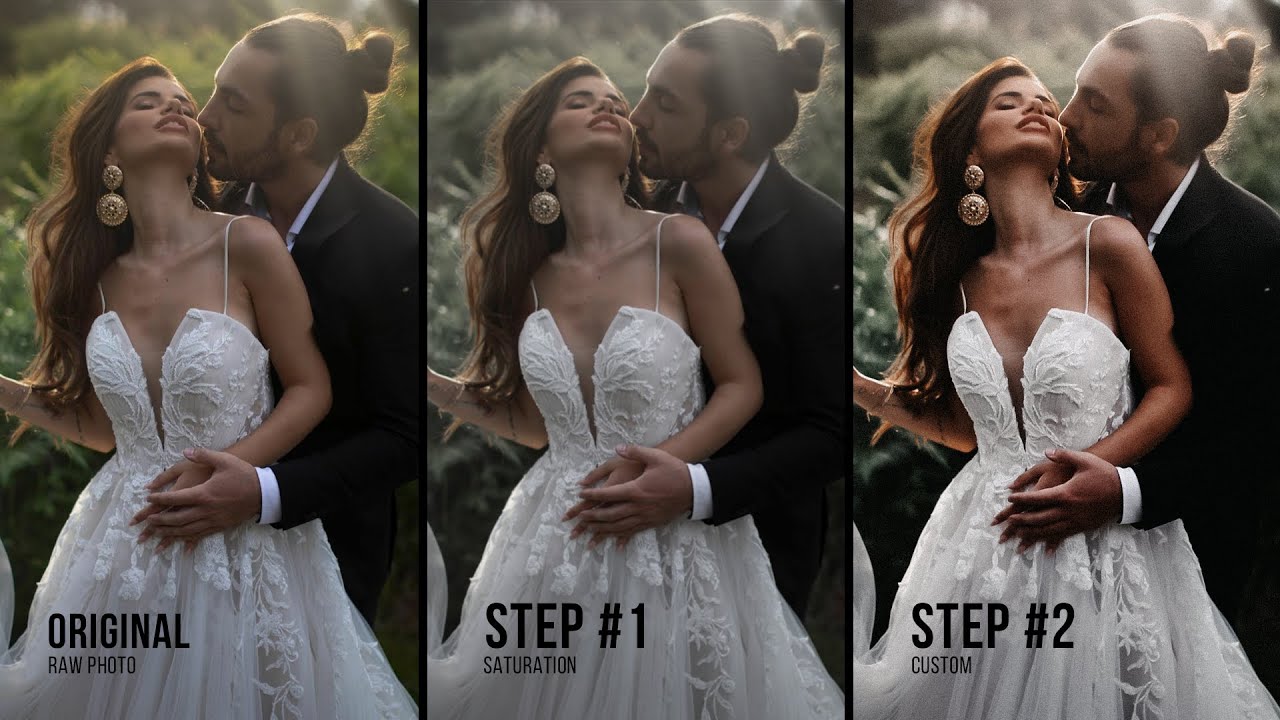
Color grading cost shifts a lot by the kind of video you are making. Wedding films sit in an odd spot. The footage is technically hard, with wild lighting swings and skin tones that clients notice instantly. Yet wedding budgets stay tighter than commercial work.
Many wedding shooters grade in-house with a house LUT, spending two to four hours on a highlight film. That is why the itemized line tends to land in the $250 to $700 band, not commercial numbers. Wedding clients notice color faster than any other buyer, so a flat grade draws complaints a shaky shot never would. If you are hiring, ask a wedding videographer whether grading is included or billed separately before you sign.
Corporate and brand work usually wants consistency more than flash. The goal is clean, on-brand color that matches the company’s other content. Think a SaaS company that needs its founder interviews to match last quarter’s product launch reel. Grades run efficiently once the look is locked. A corporate video grade for a two-minute piece commonly runs $350 to $1,000. Retainer clients often negotiate a fixed look that gets reused across a whole content series.
Commercial and advertising work is where budgets open up. Agencies expect a dedicated colorist, a proper suite, and multiple review sessions. They will pay $1,500 to $5,000 for a single spot. The footage runs on TV or paid media, where every frame gets scrutinized. Music videos vary the most, since the look often is the point. Stylized grades with compositing can push past $2,500.
In-house editor versus a dedicated colorist
Most small-to-mid projects are graded by the same person who edits them. That is fine, and often the smart call, because the editor already knows the footage and the client’s taste. A capable editor with a good eye can satisfy 90 percent of wedding, corporate, and social clients. No specialist required.
A dedicated colorist earns their fee on the harder 10 percent. They own a calibrated monitor in a controlled room and grade all day, every day. That routine catches problems an editor eyeballing a laptop in a bright office will miss. A proper setup is not cheap either. A calibrated reference monitor, such as a Flanders Scientific display, can cost more than the camera that shot the footage. That gear is part of what you are paying for. For a car commercial, a fashion film, or anything going to broadcast, that difference is visible and worth paying for.
If you are the buyer, the practical question is not “in-house or specialist” in the abstract. It is whether your project’s stakes justify the jump. A $3,000 wedding does not need a $1,200-a-day colorist. A $40,000 brand campaign probably does, and the cost barely moves the total. Videographers pricing their own work should be honest about which category a job falls into and quote accordingly.
Software, LUTs, and why workflow affects the bill
DaVinci Resolve is the industry standard for grading, and its free version is genuinely capable. That is part of why grading has gotten cheaper at the low end. The paid Resolve Studio license runs a one-time $295, which unlocks noise reduction, HDR tools, and faster rendering. For most social and corporate grades, the free build is all you need. Adobe Premiere’s Lumetri panel handles most corporate and social work fine, and Final Cut Pro has its own color tools. The software rarely limits the result. The colorist’s eye and the footage quality do.
LUTs (look-up tables) are preset color transforms, and they cause a lot of pricing confusion. A LUT is a starting point, not a finished grade. Slapping a $30 “cinematic” LUT on log footage and calling it done is not grading. It usually looks wrong, because the LUT assumes exposure and white balance the shooter never actually hit. A real grade might start from a LUT to convert log to a viewable image. From there, the colorist adjusts every shot by hand.
Workflow choices show up in the price too. If the editor sends a clean XML or EDL with all the media relinked, the colorist starts fast. Send a flattened export with baked-in effects and no project file, and the colorist has to rebuild context. That time gets billed. Ask up front how footage will be handed off, because a messy pipeline quietly inflates the invoice.
How to keep color grading cost down
The cheapest grade starts from good footage. Most of the savings happen on set, long before anyone opens Resolve. Expose correctly, nail white balance in camera, and light consistently, and you cut grading hours dramatically. Overexposed highlights and crushed shadows cannot be recovered, no matter how much you pay. A sloppy shoot buys you an expensive grade that still looks mediocre. On a Sony or Canon shoot, set a custom white balance off a gray card at each new location. Do that instead of trusting auto, and you hand the colorist matched shots for free.
A few concrete moves that lower the bill:
- Shoot everything on one camera and one profile when you can, so shots match out of the gate.
- Lock the edit before grading, because re-cutting after a grade means regrading the new shots.
- Provide two or three reference frames or a mood board, so the colorist hits the look on the first pass instead of the third.
- Bundle grading into the edit quote rather than treating it as a bolt-on, which usually costs less than an emergency add-on.
Buyers should also pin down revisions in writing. Spell it out: “one round of grading notes included, additional rounds at $X.” That single line stops a look from getting tweaked for free. To compare how full packages bundle post-production, the pricing overview is a useful reference point. Check it before you negotiate line items.
Is paying separately for a grade worth it?
For a birthday recap or an internal training video, probably not. A clean correction and a light house look is plenty, and nobody watching will wish you had spent another $800. For anything that represents a brand, sells a product, or is meant to move people, the grade earns its keep. It is the difference between footage that looks amateur and footage that looks intentional. I have seen a $500 grade rescue a webpage hero video that the client almost reshot for ten times that.
Here is my rule of thumb after years of quoting these jobs. If the video will be watched once and archived, skip the paid grade. Put that money into audio or a second shooter instead. But if it will live on a homepage or run as an ad for a year? The grade is the cheapest upgrade on the list. A confident, consistent look reads as “this company has its act together” long before anyone registers why.
The honest answer is that color grading cost scales with what the video is for. Match the spend to the stakes. Get quotes that name grading explicitly, then ask whether it is correction or a real look. Also confirm how many revision rounds you get. Then judge the result on a decent screen, in a room that is not blasting daylight, before you approve it.