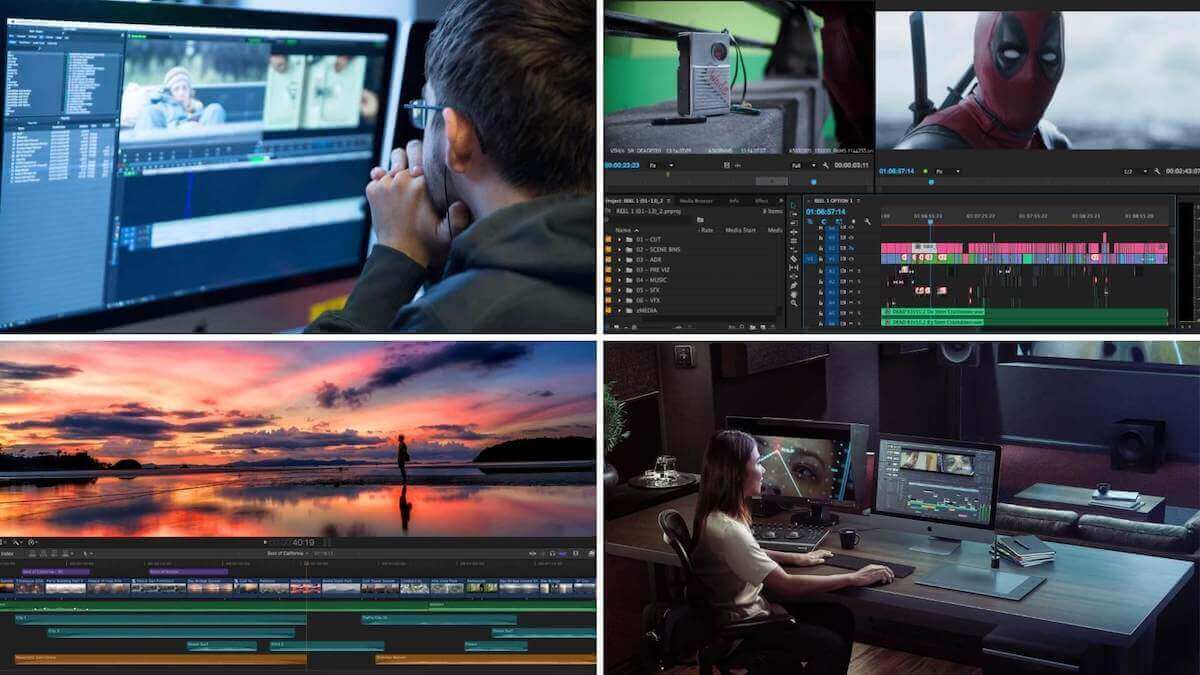
Your videographer just sent the first cut of your brand film. You watch it once and feel a vague unease. So you reply: “Looks great, can you just make it pop a bit more?” Three days later the second cut lands in your inbox. It still is not right. Worse, you have burned one of your two included revisions. And the note that cost it meant nothing to the person doing the work.
That is the whole problem in one exchange. Giving useful video edit feedback is a skill. Most clients never learn it, because they only hire a videographer once or twice. The good news is that the skill is simple. It has nothing to do with editing software or film theory. It is about being specific, staying organized, and separating what is actually broken from what is just not your taste. Do that well and you get a better film in fewer rounds. Do it badly and you pay for extra revisions that fix problems you never clearly described.
Why vague video edit feedback quietly costs you money
Most video packages include a set number of revision rounds, usually two or three. Once you understand how many revisions are standard, the trap is obvious. Every round you waste on unclear notes is a round you do not get back. A vague comment does not just fail to fix the film. It burns a resource you already paid for.
Here is what happens on the editor’s side. When you write “make it pop,” the editor has to guess. Maybe the color is flat. Could be the pacing drags. Or the music feels thin. The editor picks one reading, spends four hours acting on it, and sends it back. If they guessed wrong, you are on round two with the same problem unsolved. Two rounds gone, one issue fixed by accident at best.
The cost is real, in dollars. Extra revisions beyond your included rounds typically run $75 to $200 per hour. Some editors bill a flat $250 to $600 per additional round, depending on the length of the piece. A wedding film with hours of footage runs higher. Give precise notes and you often solve everything inside the rounds you already paid for. That is what weak video edit feedback quietly costs you, one wasted round at a time.
Watch the whole cut before you write a single note
The instinct is to pause at the first thing that bugs you and start typing. Resist it. The first cut is a draft of the whole story. A moment that feels wrong at 0:15 often makes sense once you see how it pays off at 2:30. Fire off a note the second something irritates you, and half your comments will contradict each other by the end.
Watch it through once, start to finish, with no notes and no pausing. Just react. Sit with the overall feeling. Does it move too slowly? Is the tone right for your brand or your wedding? Does it land on the right final note? Write that gut impression in a sentence or two before you touch any details. That single line is often the most useful thing you will tell your editor. It points at the big structural problems that timecode notes miss.
Then watch it a second time and take your detailed notes. Now you have context. You know the slow open builds to something, or that it does not. Your notes come out consistent, instead of a stream of reactions you would half take back if you kept watching.
Use timecodes for everything, no exceptions
This is the single highest-leverage habit in the whole process. A timecode is the exact minute and second in the video, written like 1:24 or 02:41. Every note you give should be pinned to one. “The transition feels abrupt” is nearly useless. Compare that with “the cut at 1:24 from ceremony to reception feels abrupt.” An editor can act on the second one in ninety seconds.
Most professional videographers deliver review links through a tool built for exactly this. Frame.io, Vimeo Review, and Wipster let you click a point on the timeline and leave a comment attached to that frame. You can even draw on the image. If your videographer sends a Frame.io review link, use it and skip the separate email. Your notes land right where the work happens. The editor sees them in context instead of decoding a paragraph.
If you only have a plain video file or a YouTube link, still write timecodes by hand. Timecoded notes turn vague reactions into video edit feedback an editor can execute. Number them and keep them in order:
- 0:08, the logo holds too long, cut it roughly in half
- 0:47, the second interview clip is out of focus, is there another take
- 2:15, the music swells but the visuals stay calm, they feel disconnected
That list took the same effort as an anxious paragraph, and it is ten times more useful. Your editor works through it top to bottom like a checklist, and nothing gets lost.
Separate “this is broken” from “this is not your taste”
There are two completely different kinds of notes. Mixing them up is where a lot of edits go sideways. The first kind is objective, a plain error the editor should fix without debate:
- a clip that is out of focus
- audio that drops out at 1:10
- a name misspelled in a lower third
- the wrong take left in the timeline
Fixes like these do not really count against your creative rounds in spirit, even if they technically land inside one.
The second kind is preference. You would have used a different song. Faster cuts feel better to you. The color reads too cool for your liking. These are legitimate, and you are allowed to ask for them. Just understand that you are now steering the creative work, which is exactly what revision rounds exist for. The trouble starts when you frame a preference as a failure. Tell an editor the color grade is “wrong” when you simply prefer a warmer look. That sets a combative tone, and it still does not say what you want instead.
So label them as you write. “Error” for the broken stuff, “preference” for the taste stuff. It sounds fussy, and it changes everything. Good video edit feedback tells the editor which notes are non-negotiable fixes and which are you steering the creative direction. They can push back honestly on the preferences where experience says your instinct will hurt the film. That back and forth is the good part. You hired a professional for their eye, so leave room for them to use it.
Batch your notes into one pass, never a trickle
The worst thing you can do to an editor is send notes in dribs and drabs. One email Monday morning. A text Monday afternoon with three more thoughts. Another email Tuesday because you rewatched it. Every one of those messages forces the editor to stop, reopen the project, reorient, and act on a fragment. It also makes it nearly impossible to track what has been addressed and what has not.
Collect everything into one document per round. Watch the cut, take all your notes, then sit on them for a few hours. Get input from anyone else who needs a say. On a wedding that might be your partner. On a corporate video it might be your marketing lead and a compliance reviewer. Gather all of it, resolve the contradictions on your side, and send one clean, consolidated list. If two stakeholders disagree, settle it before the notes reach the editor. Say an editor gets the note “my boss wants it shorter, but marketing wants the extra product shots.” All they can do is wait for you to decide.
This one habit does more for turnaround than any other. A single organized note document lets your videographer knock out a whole round in one focused sitting. That is how you get the next cut back in days instead of weeks.
The phrases that confuse editors, and what to say instead
Some words show up in almost every feedback email and mean nothing to the person on the other end. “Make it pop” is the famous one. It could mean brighter color, punchier audio, faster pacing, bolder graphics, or a stronger open. The editor cannot read your mind, so name the actual thing.
Here is how to translate the usual vague requests into something an editor can act on:
- Instead of “make it pop,” say what should change: “the colors look flat, can we add more contrast and saturation”
- Instead of “make it more cinematic,” name the ingredient: “can the opening be slower, with wider shots and less text on screen”
- Instead of “the energy is off,” point at pacing or music: “the middle third drags, can we cut about twenty seconds and bring the music up”
- Instead of “I don’t love it,” describe the feeling you want: “it feels corporate, I want it warmer and more personal”
You do not need the technical term. You do not have to say “increase the saturation” or “add a warmer LUT.” Just describe the result you want in plain language and let the editor pick the tool. “I want the sky to look more dramatic” is a perfect note. The editor knows whether that means a color adjustment, a different take, or a graduated filter in DaVinci Resolve. Your job is the what. Their job is the how.

Talking about the hard stuff: music, pacing, and color
Three areas trip up almost every client, so each deserves a plan. Music is the big one. Swap a track and you can force the editor to recut the entire piece to a new rhythm. That is not a small tweak. It is hours of work, and it affects how long your video edit takes to turn around. If you have strong feelings about the song, raise them before the first edit, not after. Change it on revision and you are asking for something close to a partial rebuild, so expect the timeline to stretch.
Pacing feedback works best in relative terms. Rather than “it feels slow,” tell the editor where and by how much. Better: “the first minute is great, but 1:30 to 2:30 drags, cut that stretch by fifteen seconds.” That gives them a specific target and a specific region. “Make it faster” applied to the whole film usually produces something frantic that you like even less.
Color is the trickiest, because it is deeply subjective and screens lie. The blue on your phone is not the blue on the editor’s calibrated monitor. When you comment on color, describe the mood, not a hex value. “Too cold, I want it warmer and more golden” communicates. “The color is wrong” starts an argument no one can win. Always judge color on the best screen you own, never a phone in bright sun. Otherwise you will report problems that live in your display, not the edit.
When your video edit feedback turns into a paid change order
At some point a note stops being a revision and becomes a new request. Knowing where that line sits keeps the relationship clean and your budget predictable. A revision refines what was already agreed. You trim a section, adjust color, swap a clip for a better take, or fix an error. A change order asks for something outside the original scope:
- a second cut built for a different platform
- an extra ninety seconds of runtime
- new footage that was never shot
- a full re-edit to a different song after you already approved
Good videographers will tell you honestly when a note crosses that line. A solid contract spells out what counts as a revision versus new work, long before you get here. Read the common questions most clients have about scope before you sign, so nothing surprises you. Do not take it personally when they flag it. It is not a squeeze. It is them protecting the price you both agreed to. Ask a wedding videographer for a separate sixty-second Instagram cut after you signed off on the main film. That is genuinely new labor. Fair that it costs extra, usually $150 to $500 depending on length and complexity.
The way to stay out of change-order territory is to front-load the big decisions. Nail down length, music direction, deliverable formats, and overall style up front. Do it in the brief and the first review, while changes are still cheap. Save your revision rounds for refinement. Give clear video edit feedback within each one, and you will rarely find yourself paying for a round you did not plan on.
Before you send your next batch of notes, do one thing. Reread them and delete every word that describes a feeling instead of a fix. If a note survives that cut with a timecode attached, your editor can act on it. If it does not, you just saved yourself a wasted round.