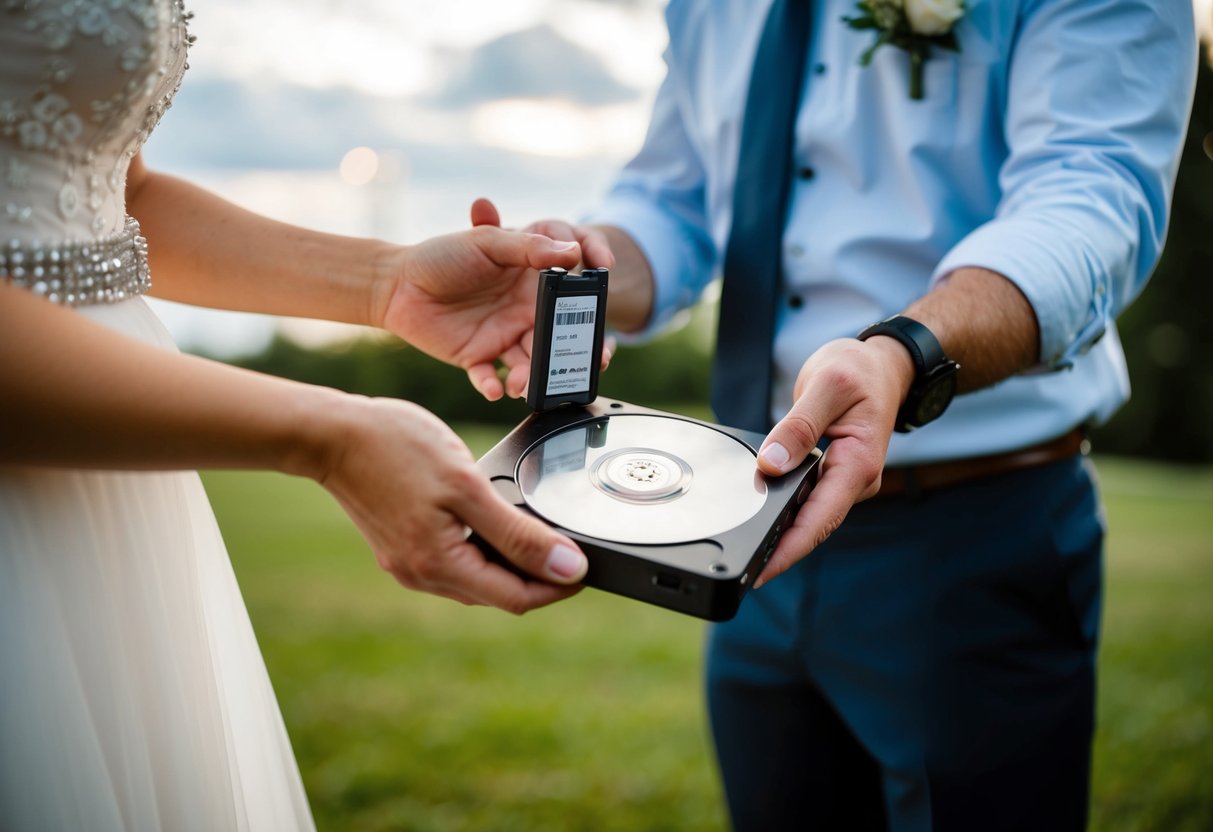
The card reader clicks, the folder mounts, and half the ceremony is gone. Not blurry, not out of focus. Gone. A silent write error somewhere between the camera and the desk leaves you staring at a timeline with a hole in it where the vows used to be. There is no reshoot for a wedding. That is exactly why wedding footage backup is not a chore you do after the job. It is part of the job, and clients are paying for it whether they know the term or not.
Most couples never ask how you protect their files. They assume you have it handled. The pros who actually do treat every card as a single point of failure until proven otherwise. They build a chain of copies that would survive a dropped drive, a stolen bag, or a house fire. Here is how that chain works, what it costs to build, and where the shortcuts get people burned.
The 3-2-1 rule, and why weddings raise the stakes
The backbone of any serious footage strategy is the 3-2-1 rule: three copies of the data, on two types of media, with one copy stored off-site. It comes straight out of the 3-2-1 backup strategy used in IT disaster recovery, and it maps almost perfectly onto wedding work. Your camera cards are copy one. The drive you offload to at home is copy two. A cloud archive, or a drive you keep somewhere else entirely, is copy three.
Why does the redundancy matter more for weddings than for a product shoot? Everything else is repeatable. A brand can rebook a studio day. A real estate agent can schedule a second walkthrough. A wedding happens once, in front of people who will remember for fifty years whether the footage exists. Lose a corporate interview and you apologize and reshoot. Lose a first dance and you have a lawsuit and a review that ends your referral pipeline.
The rule sounds obvious until you count how many videographers actually run it. Plenty stop at two copies on the same desk. Both are spinning drives, both plugged into the same power strip. That is one surge or one theft away from zero copies. Two copies in the same room is really just one copy with extra steps. A real wedding footage backup plan puts distance between the copies.
On the wedding day: dual slots and card discipline
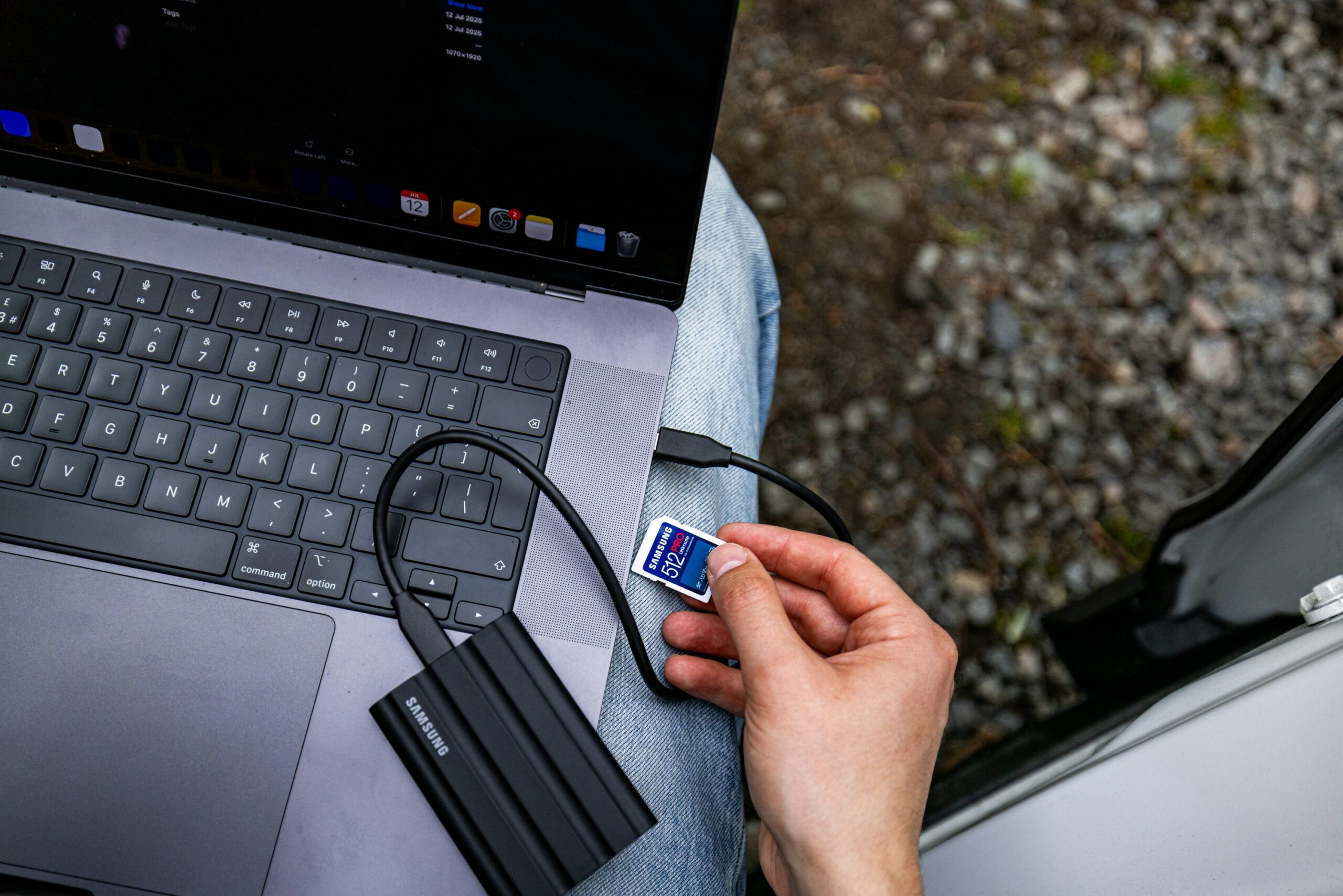
Wedding footage backup starts before you touch a computer. If your camera has two card slots, use them in backup mode, not overflow mode. A Sony FX3, an FX30, a Canon R5 C, or a Panasonic S5 II can all write the same clip to both cards at once. Stop recording, and you already have two copies of the ceremony on two separate cards. If one card faults, the other is untouched.
Card handling on the day is its own discipline. Number your cards. Keep shot cards in a hard case on your body or in a locked bag, never loose in a jacket pocket. Do not format anything until the footage is verified on at least two other drives back home. A cheap tri-fold card wallet helps here. So does the habit of flipping cards label-down once they are shot. That one move saves you from the classic disaster: reinserting a full card and hitting format because you thought it was empty.
Buy good cards and stop chasing the cheapest listing. A SanDisk Extreme Pro or a ProGrade CFexpress card from a real retailer costs more than a gray-market clone off a marketplace. The difference is exactly the reliability you are being paid for. Counterfeit cards report the wrong capacity and drop frames. They are one of the most common causes of corrupted wedding files, and they always fail at the worst moment.
The offload workflow when you get home
The drive home is not the finish line. Midnight, exhausted, is exactly when people wipe cards by accident. So the offload workflow needs to be boring and repeatable enough to run half-asleep. Do not drag and drop in Finder or Explorer. A plain copy gives you no proof that every byte arrived intact. A file can look present in a folder while it is quietly broken inside.
Use dedicated offload software that checksums the transfer. Hedge and ShotPut Pro are the two most common tools in the wedding world. Both do the same core job. They copy your cards to several destinations at once, then run a checksum to confirm the copy is bit-for-bit identical to the source. Hedge runs around 8 dollars a month on subscription. ShotPut Pro sells for a one-time license in the low hundreds. If money is tight, the Clone tool built into DaVinci Resolve does a verified copy for free, though it is clunkier than either paid option. Any of them turns ‘I think it copied’ into ‘the math confirms it copied.’
Run the offload to two destinations in the same pass. One is your working drive, where you actually edit. The other is a backup drive you set aside and do not touch. Only after both copies verify, and you have eyeballed the footage in your editor, do you format the cards. Even then, only if a third copy is already building. This is the heart of any wedding footage backup routine.
Keep a simple written checklist taped near your workstation. The one time you improvise the sequence is the one time you skip a step.
Where the footage lives: RAID, NAS, and cloud
Once the footage is off the cards, it needs a home that survives a single drive dying. Drives do die, usually without warning. A pair of portable drives, like the LaCie Rugged or a couple of Samsung T7 SSDs, is a fine starting point. Just understand what it is. Two loose drives is a manual system that depends on you remembering to mirror them.
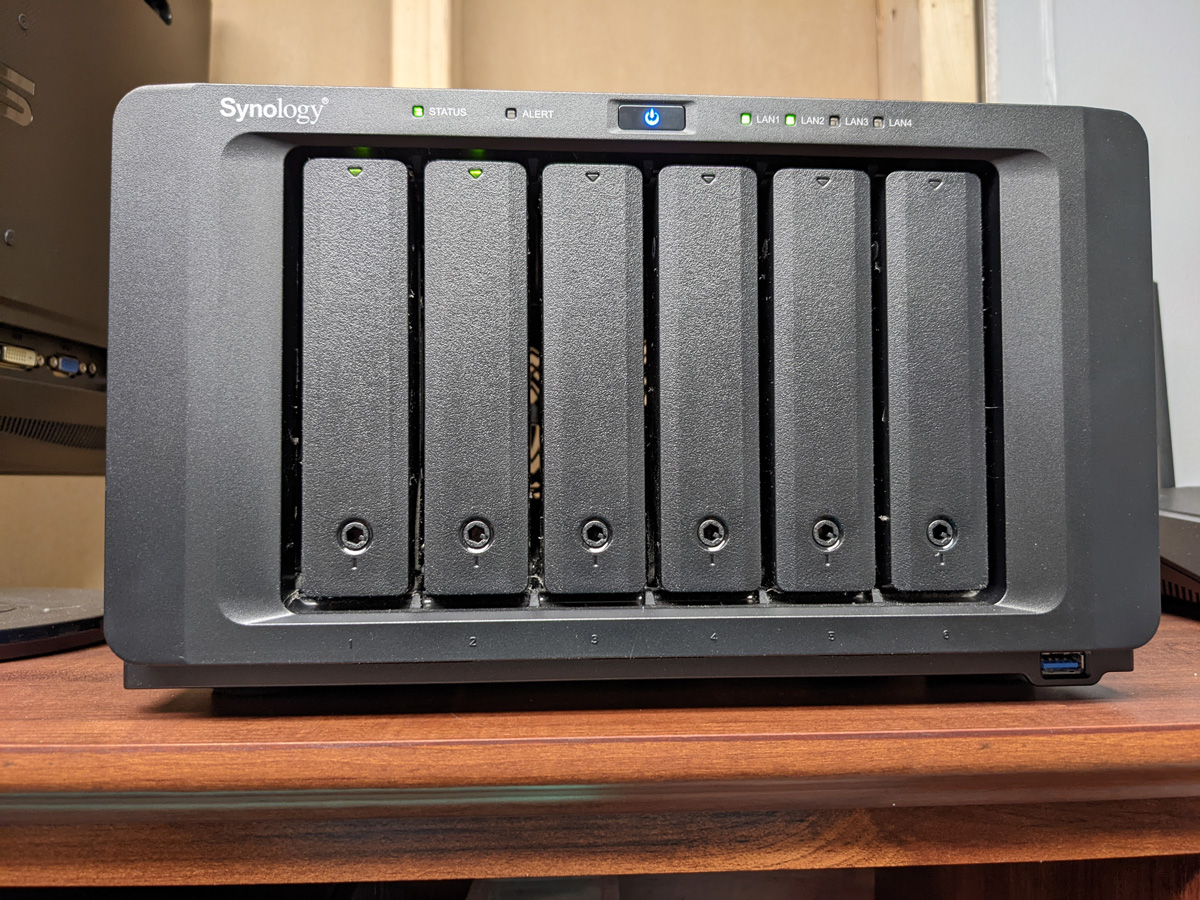
Most people who shoot more than a dozen weddings a year graduate to a NAS. A two or four-bay Synology or QNAP unit, running the drives in a mirrored or parity setup, gives you one large volume that keeps working when a disk fails. You pull the dead drive, slot a new one, and the array rebuilds itself. A four-bay Synology plus four 8TB drives runs roughly 900 to 1,400 dollars all in. It becomes the center of your storage for years.
One warning about RAID, because it trips up a lot of new shooters. A mirrored NAS is redundancy, not a backup. Delete a folder by mistake, or let ransomware hit your network, and the array happily copies that damage to both disks. RAID protects you from hardware failure. It does nothing against human error or a bad actor. That is why the off-site copy stays non-negotiable, even with a fancy NAS humming in the corner.
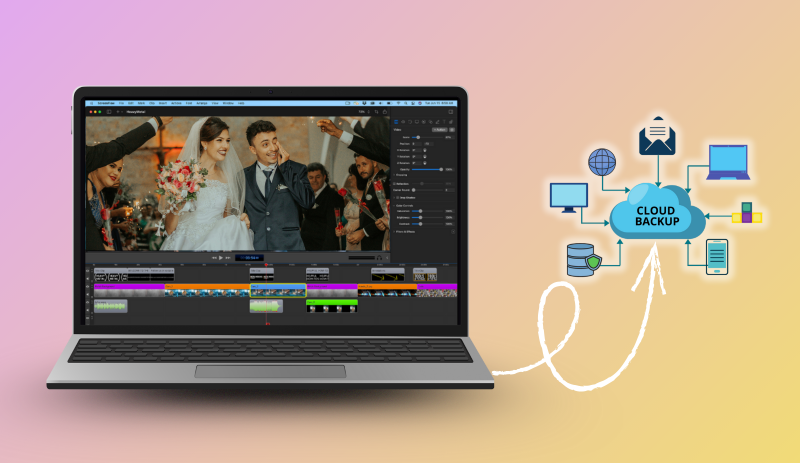
The off-site copy usually lives in the cloud. Backblaze Personal Backup is about 99 dollars a year for unlimited data from one computer. That is the cheapest way to get terabytes off-site, though it only backs up attached drives and has restore quirks worth reading first. Backblaze B2, Wasabi, and similar object storage run roughly 5 to 7 dollars per terabyte per month, and they behave more like a proper archive. For a videographer sitting on 20TB of edited weddings, that is real money. This off-site leg is the third copy in your wedding footage backup. The smart move is to archive only the deliverables and the select footage long term, not every raw clip forever.
How long to keep it, and charging for the archive
Here is a question most contracts skip: how long do you keep the footage after delivery? There is no legal standard. You set the policy and put it in writing. Common practice runs from 90 days to one year of guaranteed retention on the raw footage. After that you may purge to reclaim storage. The final delivered film often gets kept longer, or indefinitely, because it is small and cheap to hold.
Spell this out in your contract in plain language. Something like: ‘Raw footage is retained for 12 months from delivery. After that period it may be deleted without notice. Backup and long-term archival of the final film is the client’s responsibility once delivered.’ That single clause has saved countless videographers from the panicked email two years later, asking for a file that no longer exists. If you want to see how retention fits alongside deposits, revisions, and usage terms, our overview of what a wedding videography contract should include is a useful cross-check before you finalize yours.
Retention is also a service you can sell. Offer an extended archive, where you guarantee to hold the raw footage for three or five years. It is a legitimate add-on in the 100 to 300 dollar range, and it costs you almost nothing beyond the storage. Couples who plan an anniversary edit, or who want the option later, will pay for the peace of mind. Just be honest about what you actually store and for how long. Promising forever and quietly deleting in eight months is the kind of thing that ends up in a one-star review.
What a wedding footage backup system costs
People assume redundancy is expensive. It is cheaper than one lawsuit, and dramatically cheaper than a dead referral network. A realistic entry-level kit is not complicated. You need a NAS, a couple of field drives, offload software, and a cloud plan. Here is where the money goes:
- NAS with redundancy: 900 to 1,400 dollars, one-time, replaced every four to five years
- Field and offload drives: 300 to 500 dollars, replaced as capacity grows
- Offload software: 100 dollars a year, or a one-time license in the low hundreds
- Off-site cloud: 100 to 400 dollars a year, depending on how much you keep
Picture what that looks like for a working studio. Say you shoot 18 weddings at an average of 400GB of raw footage each. That is roughly 7TB of new material a year. A four-bay Synology DS923+ with four 8TB drives in a redundant setup holds it comfortably and leaves room to grow. Pair that with a single Samsung T7 Shield for field copies and a Backblaze B2 bucket for the deliverables, and the whole system fits inside a 2,000 dollar first-year budget. Year two drops closer to 300 dollars, because the hardware is already paid for.
All in, you are looking at somewhere near 1,500 to 2,000 dollars up front, and 200 to 500 dollars a year to run it. Shoot 20 weddings a year and that is a rounding error against your gross. It belongs in your pricing the same way insurance and gear replacement do. If you have not built that math into your rates yet, our directory pricing page and the cost guides on the wedding videography blog show where these overheads sit relative to typical wedding fees. Wedding footage backup is a cost of doing business, not an optional upgrade.
When it goes wrong: contracts and client communication
Even a good system has failure modes. The professional move is to plan for the bad day before it arrives. Two clauses in your contract carry the weight. First, a data loss limitation that caps your liability at the fees paid, rather than at some open-ended figure a couple might claim for emotional damage. Second, a force majeure and equipment failure clause that acknowledges technology can fail despite reasonable precautions. Have a lawyer, or at least a solid template, shape the exact wording for your region. Enforceability varies.
Contracts limit the damage. They do not repair the relationship. If footage is ever lost, tell the client immediately, in plain terms. Never try to hide a gap by hoping they do not notice. Explain what happened, what you still have, and how you will make it right. That might be a partial refund, a discount on a future shoot, or rebuilding the film from every second-shooter angle you can find. Couples forgive honesty far more readily than they forgive a cover-up.
This is also the argument for a second shooter on bigger weddings. Two cameras rolling from different positions means a card failure on one body still leaves usable coverage of the key moments. The same logic extends to any high-stakes single-shot job. Videographers who also handle live event coverage tend to run the most paranoid backup routines in the business. Redundancy in the field and redundancy in storage are the same instinct, applied at two points in the chain.
Start with the cheapest fix that removes the most risk. Turn on your camera’s dual-card backup mode before the next job, and buy one drive you never edit from. That alone moves most videographers from one fragile copy to a real chain. It is the foundation every other layer of wedding footage backup gets built on. If you run a tight, documented system like this and want couples to find you for it, list your studio in the directory and put reliability where clients can see it.